



4.7
(300+ Reviews)
Employee & Manager Self-Service (ESS & MSS) - anytime, anywhere.
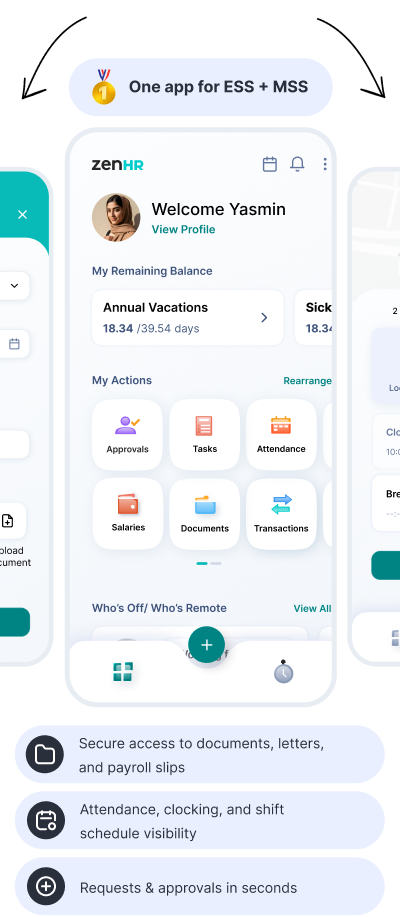
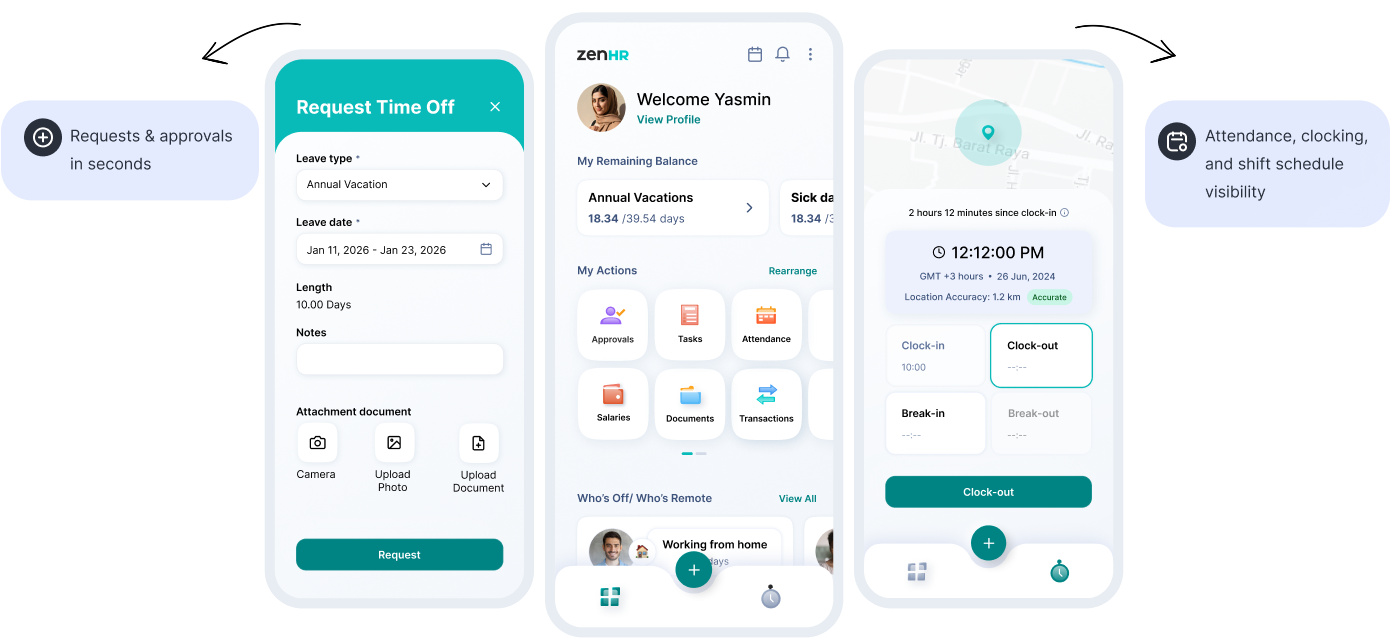
The ZenHR Mobile App puts daily HR actions in your employees’ and managers’ pockets

HR doesn't happen only at a desk.
Your team shouldn't wait for office hours to complete HR tasks. With ZenHR Mobile, employees can self-serve confidently, while managers stay in control with fast approvals, real-time visibility, and clear history, without administrative back-and-forth.
Requests, approvals, and tasks move instantly.
Balances, transactions, and schedules are always visible.
Every action is tracked with a complete audit trail.
Request Demo

Enable employees to manage their HR needs independently - requests, documents, attendance, payslips, and more - without chasing HR or their manager.
ESS key points:
Request Demo
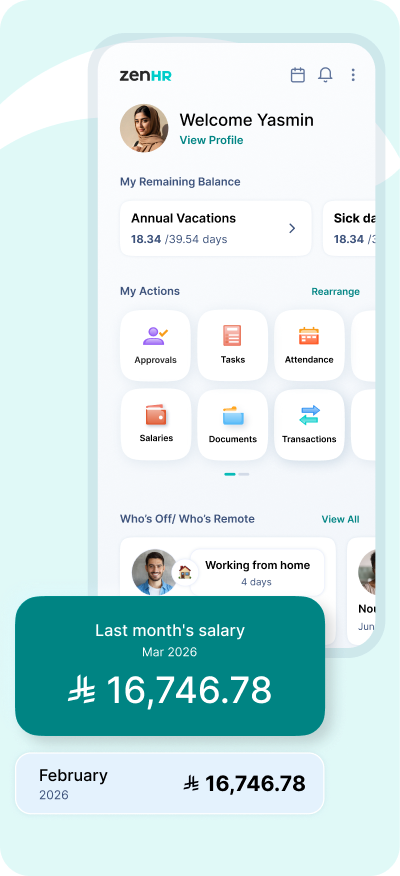
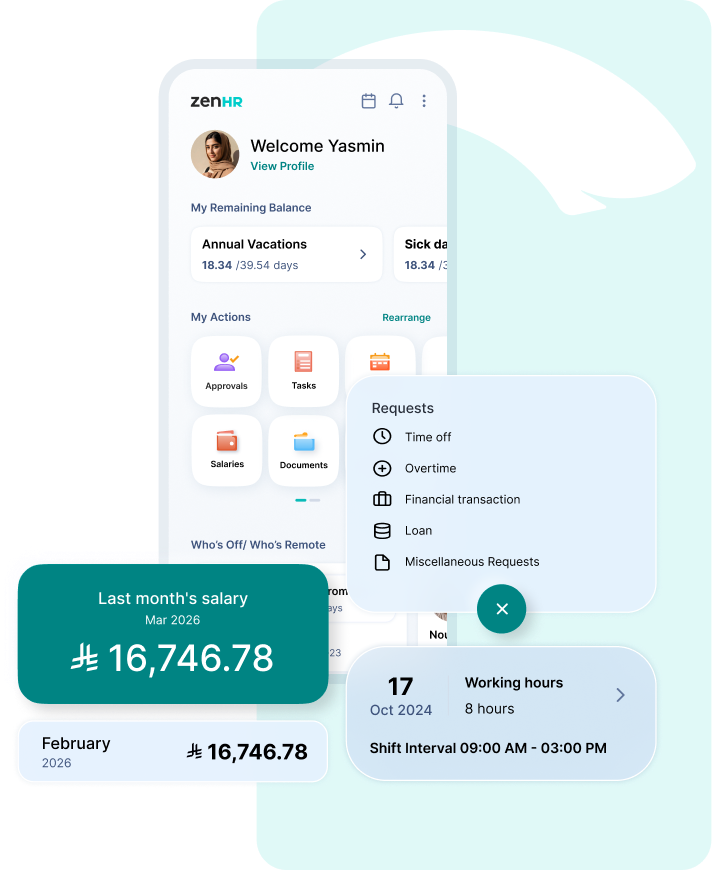
Managers can approve requests, monitor attendance, follow performance cycles, and stay on top of team actions—all from the same app.
MSS key points:
Request Demo
Dashboard
Quickly view balances and shortcuts to approvals, tasks, the directory, and ZenHR modules - so your next action is always one tap away.
Clocking
Support clocking in and out with biometric verification, geo-fencing controls, and a working-hours counter - designed for accuracy and compliance.
Requests
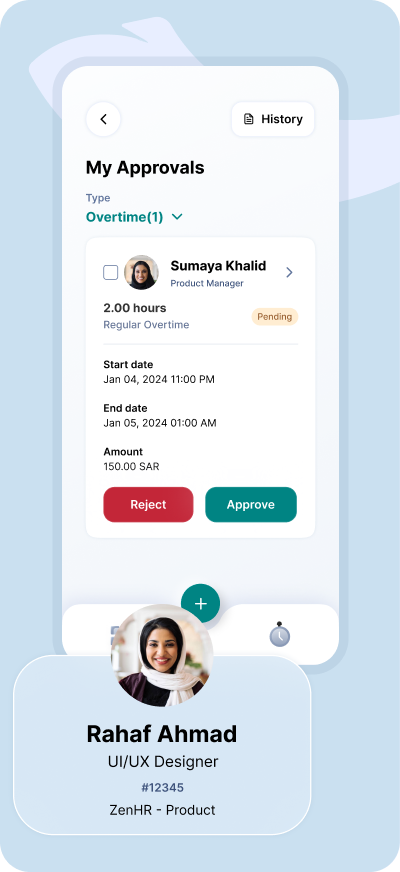
Employees can submit requests and managers can act on approvals directly from the app, without delays or manual follow-ups.
Performance Evaluation
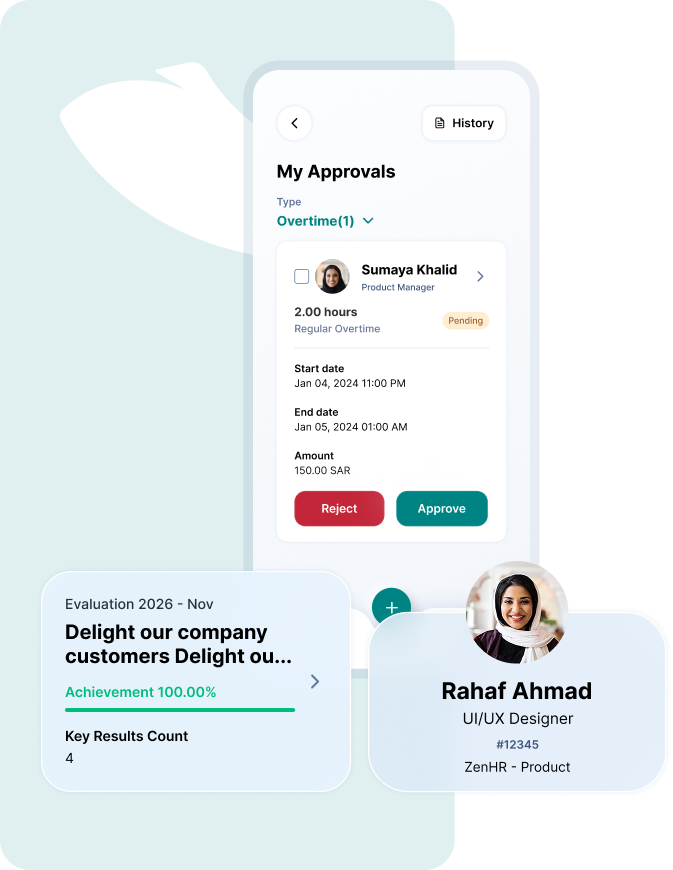
View evaluation cycles, follow OKRs, and track progress clearly, helping teams stay aligned throughout the year.
Tasks Management
Create, receive, and manage tasks with clear ownership and status, so nothing gets lost in chats or emails.
HR Letters
Employees can view and request letters, while authorized users can create letters quickly - standardized and accessible when needed.
Attendance & Time Tracking
Employees can review attendance history, and managers can view attendance for their teams for better oversight and faster action.
Employees Directory
Find employees, roles, and contacts instantly, especially useful across multi-branch organizations.
My Transactions
Track all your transactions in one timeline - requests, approvals, updates, and more - fully transparent.
My Approvals
Managers get a dedicated approvals view with quick actions, context, and status, designed for speed.
Payroll
Employees can securely view and download salary slips anytime, reducing HR tickets and increasing transparency.
Documents
View documents you have permission to access and add new ones when authorized - organized, searchable, and secure.
Schedule
See your shift schedule with time-off highlights- so employees always know what's next.
User Profile
Employees can view their profile details quickly, reducing repetitive questions and ensuring consistency.
Financial & Miscellaneous Requests
Submit all types of requests from one place, and track their status in real time - without the need for manual follow-ups or repeated communication.

Altibbi (Telehealth for employees)
Give employees convenient telehealth access through Altibbi, supporting wellbeing with quick medical consultations - without disrupting workdays.

Ejari (Rent now, pay later for employees)
Support employees with rent-related services through Ejari, helping reduce stress and improve overall financial well-being.
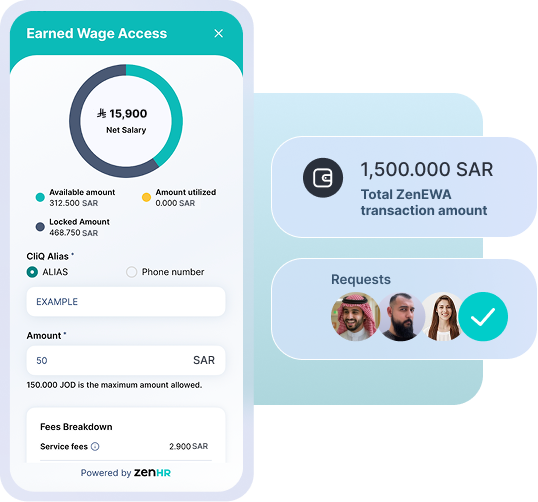
Allow employees to withdraw a portion of their earned salary before the official payday, based on the actual number of days worked, helping them cover urgent or unexpected expenses - learn more
Learn More

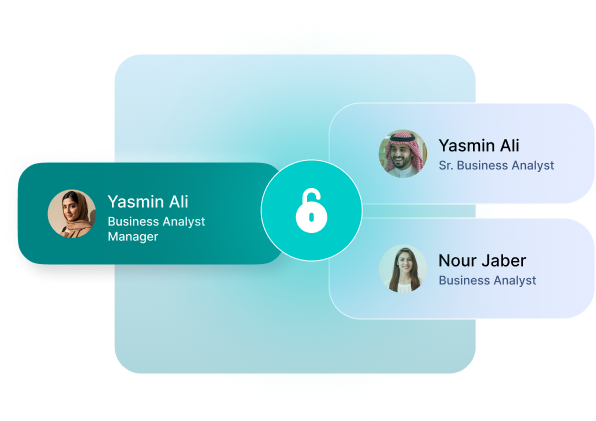
The ZenHR Mobile App follows role-based access and permissions - employees see their data, managers see their teams, and every action is recorded for transparency and control.
Find quick answers to common questions about ZenHR’s features, setup, and support.
Employee Self-Service (ESS) is a digital approach that allows employees to manage their own HR-related tasks without depending on HR teams or manual processes. Through ESS, employees can submit requests, view attendance and leave balances, access payslips and documents, track transactions, and update personal information - all from a single system.ESS reduces HR workload, increases transparency, and gives employees more control and visibility over their work life.
Manager Self-Service (MSS) enables managers and team leaders to handle people-related actions directly within the HR system. This includes reviewing and approving requests, monitoring attendance, managing tasks, accessing team information, and tracking performance and evaluation cycles. MSS helps managers make faster, more informed decisions while maintaining consistency, accountability, and compliance - without relying on HR for day-to-day operational actions.
No, ZenHR’s Mobile App supports both ESS for employees and MSS for managers, including approvals, attendance oversight, and performance visibility.
Yes. Managers can review and action approvals directly from the app with status tracking.
Requests, attendance history, transactions, schedule, documents, payslips, HR letters (based on permissions), and more.